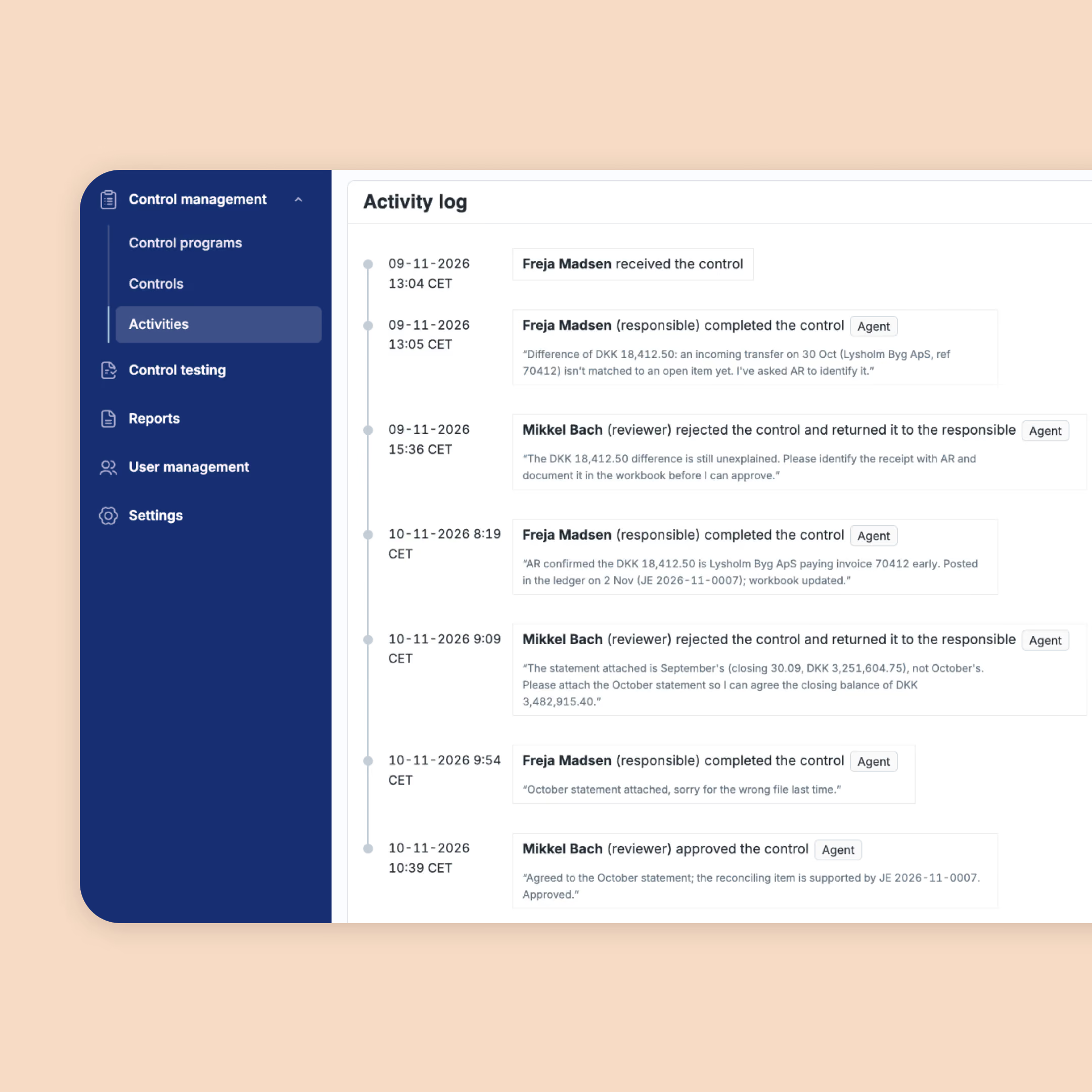

Put AI to work on risk & controls.
Connect your AI clients to your risks & controls in Impero. Ask questions, access information and set up workflows directly from your AI tools. Nothing changes without your validation, and your audit trail stays intact.
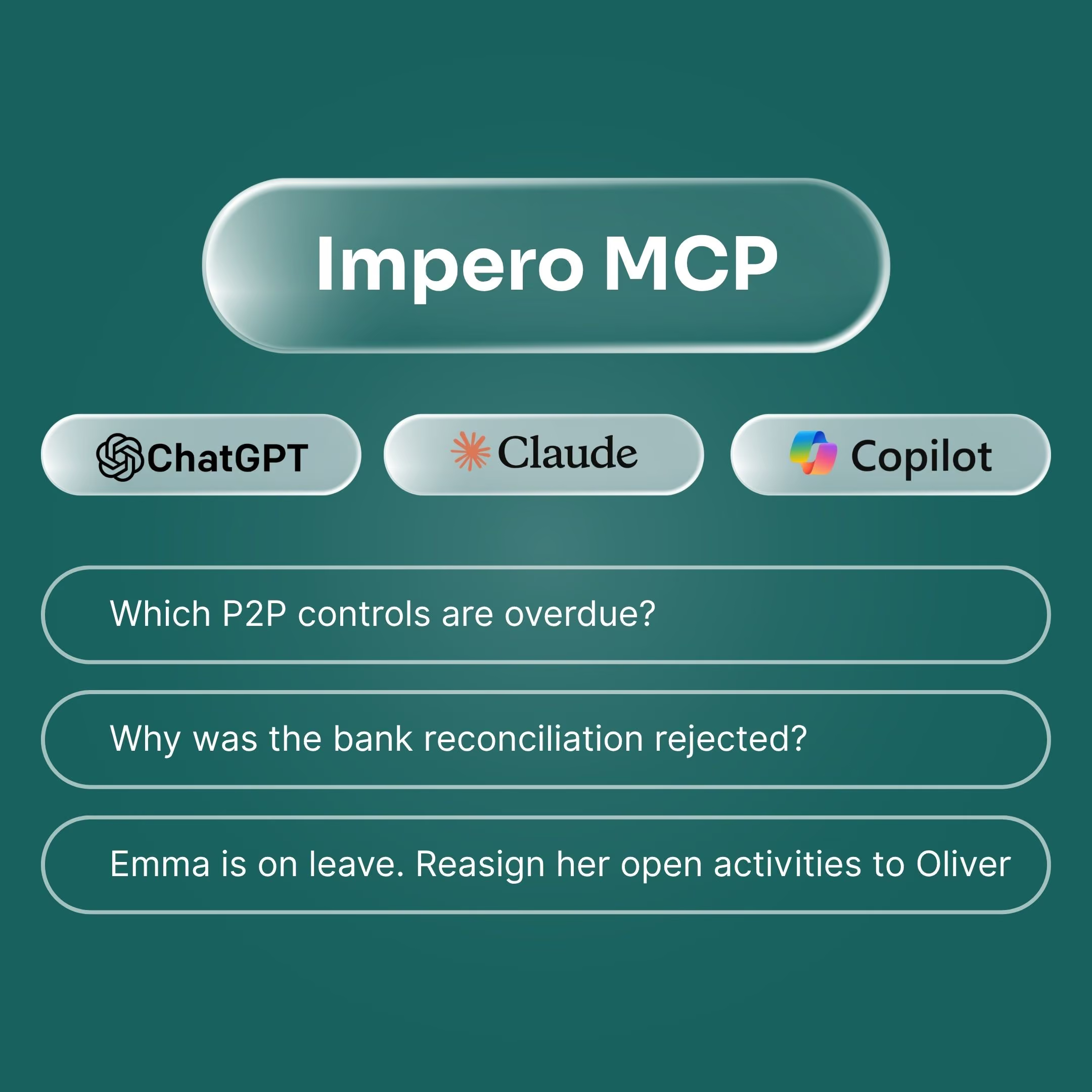

Let your AI client take on your risk & control work.
Sign in once. Then ask away.
The MCP brings your Impero data together with your emails, chats and files in your preferred AI client interface. Ask questions, streamline workflows and take action across your tools without switching between platforms. No new apps to download or learn.
Less manual work. More progress.
Use your AI client to tackle the most time-consuming tasks across your controls. Pre-check submissions, follow up on overdue work, review evidence and prepare summaries for management or auditors - all with less manual effort.
Stay in charge of every change
Your AI client can only access what you're authorized to see in Impero. Any changes are presented directly in your chat for review and approval. Existing access rights and segregation of duties remain in place, and every action is logged to maintain a complete audit trail.
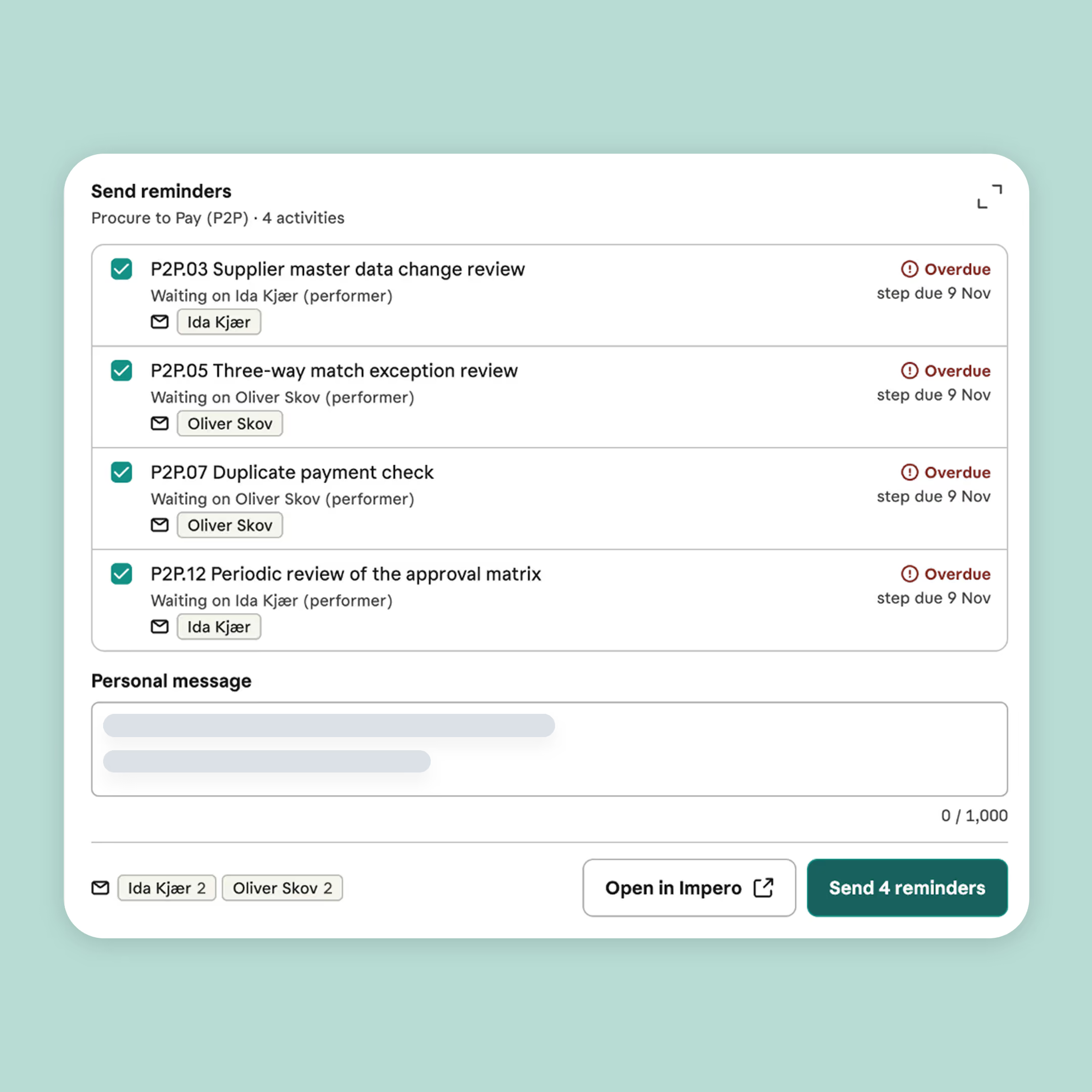
Just ask, in your own words.
With an MCP, you're not limited to predefined tasks or commands.
Ask directly in your AI client about your controls in your own words, and get answers directly from Impero.
Ask what's due this week, which controls need review, what's overdue or why a control was rejected. Keep the conversation going with follow-up questions.
Focus on a specific entity, compare results with last year or turn insights into a summary for your next meeting.
Same governance.
A new way to work.
The Impero MCP lets you work smarter with AI while keeping you fully in control.
The MCP respects your Impero roles and access rights, and any suggested changes are yours to review and validate directly in the chat.
Your existing risk & control governance stays in place, including segregation of duties, with every change recorded in a complete audit trail.
MCP access is available to users through a new role. So you decide who is allowed to use the MCP in your organization.
Sensitive actions, like deleting data or changing permissions, stay in Impero.